
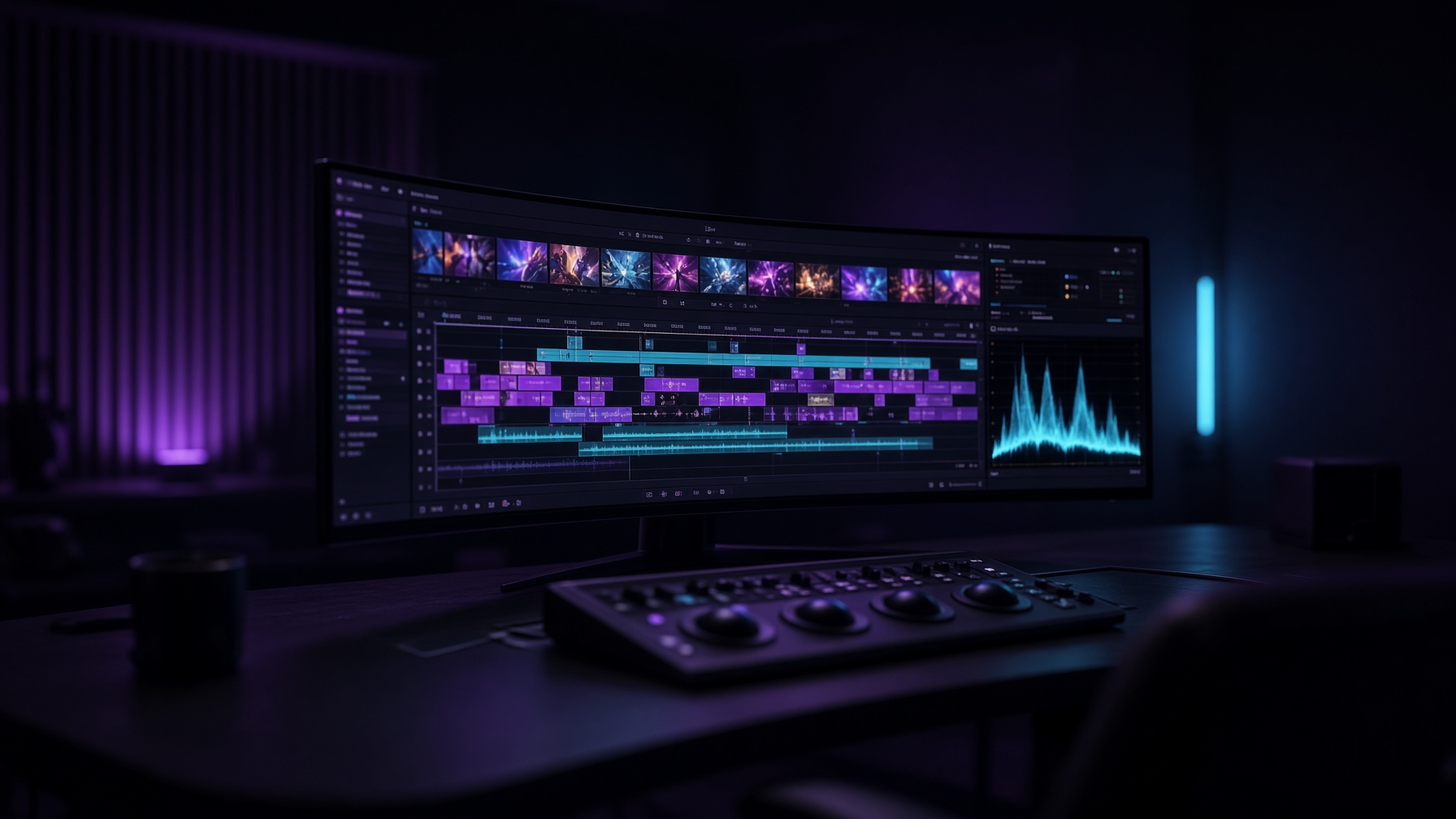
Timeline
Drop mixed sizes, rates and codecs. Background processing keeps renders off the cut. Precision tools wait until you need them.
Picture, sound and colour live in the same room. The free editor is already finished. No account, no card, and no trial clock.
The craft
Match shots, apply looks, isolate regions. Grading sits inside the edit so the picture is decided in the same room as the cut.
From first session to delivery
Night Sterling is more than a timeline. It is a complete environment for turning footage into a finished piece. Simple when you want a clean cut. Precise when the project demands frame-accurate control, a considered grade, or a finished mix.
Focus on the story. The rest of the suite is already here.
Editions
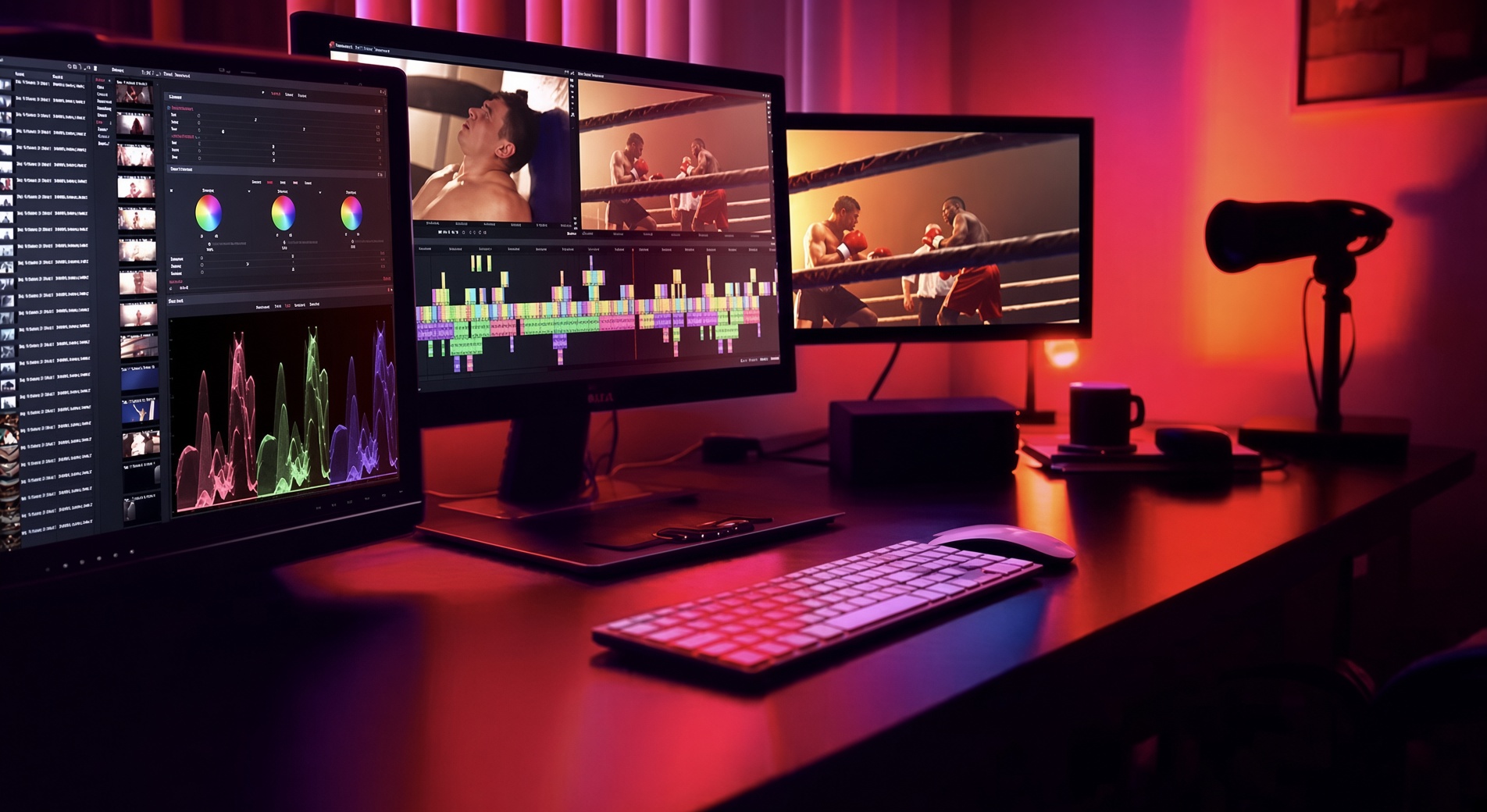
The suite
Dynamic picture and sound, considered colour, practical effects and a clear path to the audience. The missing ingredient is your cut.
Drop mixed sizes, rates and codecs. Background processing keeps renders off the cut. Precision tools wait until you need them.
Trim, layer and mix without a second application. Dialogue, music and effects sit under the picture instead of competing with it.

Titles, lower thirds and transitions that respect pacing. Composites stay on the same timeline as the edit.
Balance, match, LUT and isolate. Correction and grade share one workspace — approachable on day one, exact at delivery.

Presets for web, social and broadcast. Direct platform upload and cloud hand-off when the shortest path is the right one.
AI
Auto subtitles, voiceover, translation, silence removal and background isolation. They live on the timeline, next to the grade.
Vertical
Native 9:16, 1:1 and 4:5 timelines, safe zones, templates and auto reframe. Free exports at 1080p.
In this release
Compose layouts that match the way you cut, grade or mix — then return to them in a click.
Work the full range of the image. Highlights hold, shadows stay dense, the grade travels.
Isolate, blend and refine with masks built for finishing, not for novelty.
Cleaner controls and better processing so dialogue, music and effects sit correctly.
A faster path from a simple adjustment to a layered composite, still in the same room.
Tools are easier to find. The chrome recedes so the picture can occupy the frame.
Compare
Every edition is a real editor. Capability is added as the work grows — never as a lock on the basics.
| Capability | Free | Creator | Pro |
|---|---|---|---|
| 1080p export | ● | ● | ● |
| Auto captions & transcript edit | ● | ● | ● |
| AI voiceover | ● | ● | ● |
| Vertical, square and 4:5 timelines | ● | ● | ● |
| TikTok, Reels and Shorts presets | ● | ● | ● |
| Auto reframe | ● | ● | ● |
| HDR workflows | ● | ● | ● |
| Cloud import | ● | ● | ● |
| 4K timeline & export | – | ● | ● |
| Translate, dub & voice match | – | ● | ● |
| Multi-format adapt from one master | – | ● | ● |
| Motion graphics | – | ● | ● |
| Quick LUTs | – | ● | ● |
| Advanced effects pack | – | – | ● |
| Script to first assembly | – | – | ● |
| 8K & cinema codecs | – | – | ● |
| Scopes & 10-bit | – | – | ● |
| Native audio FX / DAW | – | – | ● |
| R3D & custom formats | – | – | ● |
Connected
Import from the clouds you already use. Review, stock and QC partners sit beside the bin — not in another window.

QScan

IOGates

Box

Dropbox

Google Drive

Google Photos

OneDrive

pCloud

Pexels

Pond5
Begin here
You’re already looking at the suite. The free editor is the real product — finish a first project tonight, upgrade only if the work asks for more.