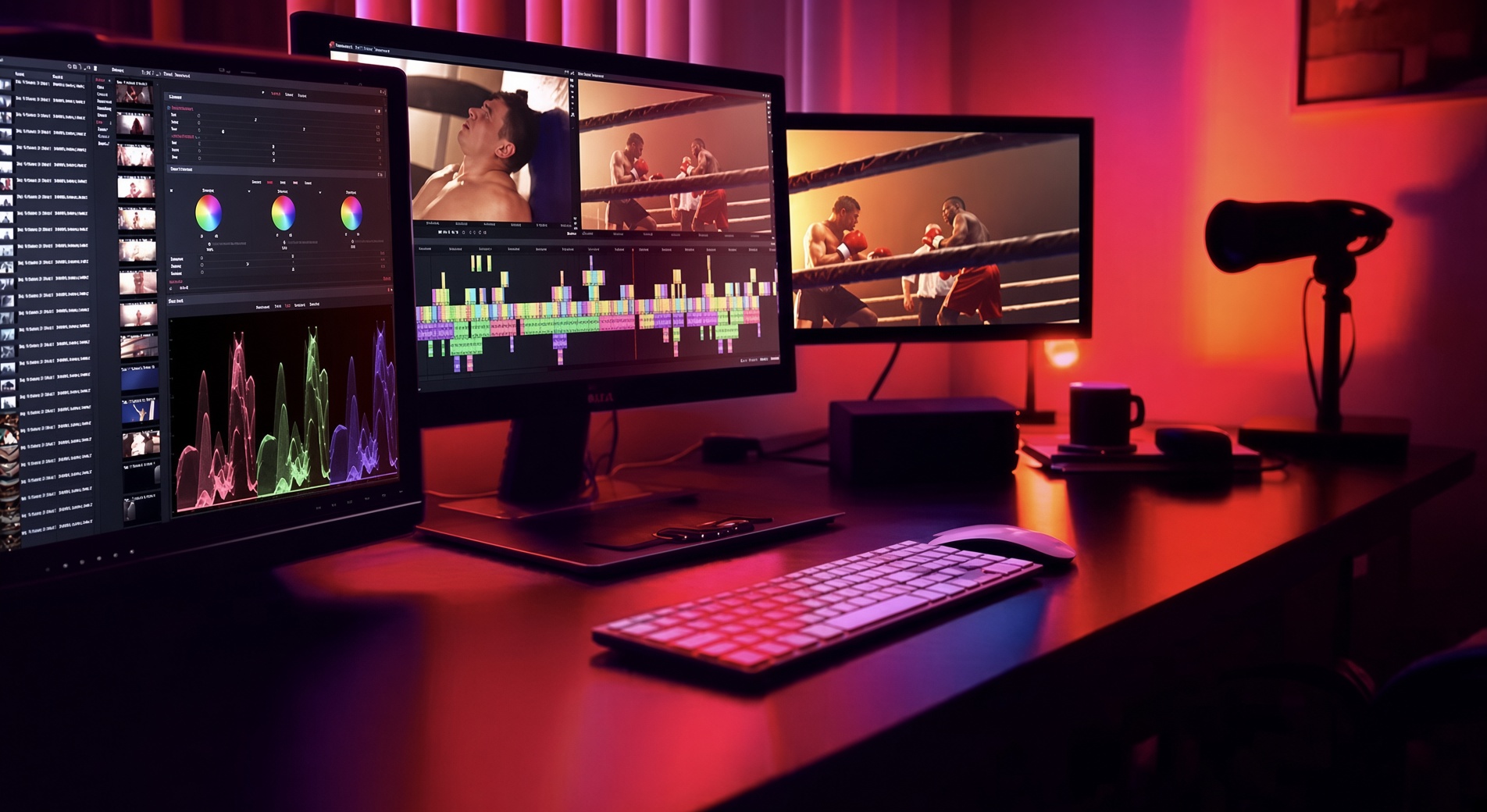
Multi-track timeline
Mixed frame rates, resolutions and codecs without forced conversion. Nested sequences, markers and precise trimming are built in.
The suite
From first cut to final export — timeline, colour, effects, audio and delivery in one focused application.
Auto captions, transcript editing, voiceover, dubbing, silence removal and background isolation. The tools sit on the same timeline as the grade.
Native 9:16, 1:1 and 4:5 for TikTok, Reels and Shorts, with safe zones, templates and auto reframe. Free exports at 1080p.
Mixed frame rates, resolutions and codecs without forced conversion. Nested sequences, markers and precise trimming are built in.
Primary and secondary grading, scopes, LUTs and HDR workflows so the image is intentional — not auto-corrected.
Real-time effects, considered transitions, customisable titles, and an optional advanced pack when the sequence needs more range.
Multi-track sound, mixing, native FX and professional formats — still on the same timeline as the picture.
Dropbox, Drive, OneDrive, pCloud and more. Browse and import without leaving the bin. Optional stock libraries sit beside your own media.
YouTube, TikTok, Reels, Shorts, broadcast or cinema. Free delivers 1080p, including vertical. 4K on Creator. 5K–8K, ProRes, DNxHR, H.265 and AV1 on Pro.
Need the technical breakdown?